Secure and Private Communication
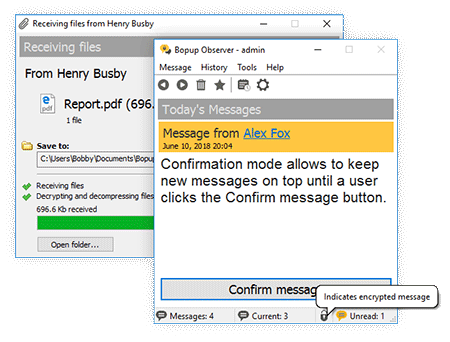
Be sure that messaging is encrypted and not accessible by anyone even if users chat via an Internet connection.


is available
companies
per company
up to 20 users
per license
up to 20 users
per license




Be sure that messaging is encrypted and not accessible by anyone even if users chat via an Internet connection.

Choose the best way how to authenticate users: Simple, Windows Authentication (SSPI) and Private login/password.

Import user accounts from a global catalog and create the local users database on the server within a few seconds.

Browse, search and view the entire message and file transfer archives. Print information for any period and for any person.

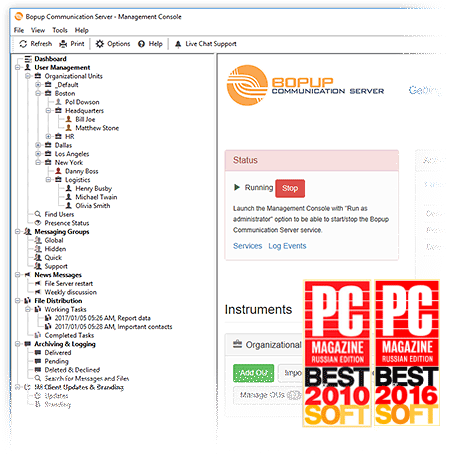
Manage options for remote instant messengers easily and instantly from the central communication server.

Use Bopup IM across Internet to unite different branches and offices. Or set up fully local and private messaging system with no Internet access.



Michael E, CallahanBopup Messenger is a nicely-done instant messaging program that's secure. Security is important especially in a business situation. Bopup Messenger lets users communicate securely across a local area network (LAN) and gives them some nice features to pick from. I like the fact that the program lets you have groups so users within a "team" can communicate with each other.
James FowlerThis LAN secure messaging program is designed to work with networks of any size. You can use this application to work with larger companies, uniting offices and multiple locations into one internal IM workspace. The system is extremely secure. Additionally, you can control permissions which an employee can view, send messages, or upload files. An important function of this program is that it saves offline messages and files so you won't lose information. The system is also very flexible and scalable as your company grows. It focuses primarily on the IM features and security.
Michael E, CallahanBopup Messenger is powerful, secure, and flexible. It gives you a great messaging system that's also easy to manage. All messages are logged so you have a history of message activity. Messages can also be sent when users are offline. It's a impressive system that works very well. Bopup Messenger is impressive. So, if you need a secure messaging solution, give it a try. I recommend it.


 Facebook page
 Follow Us on Twitter
 YouTube channel
 Read Our News and Blog