

up to 20 users
All messages and file transfers are encoded with strong encryption algorithms. That is the first and primary way to make corporate IM safe and secure.
The centralized management of user groups allows organizing a flexible IM structure with a list of assigned groups and send/receive-only permissions available to each user.
The smart and handy user interface is intuitive and easy. It really is.
Deliver important information to users even if they are currently unavailable and receive such messages and files. Offline messages and transfers are stored on the IM server and automatically delivered to the recipient when he goes online.
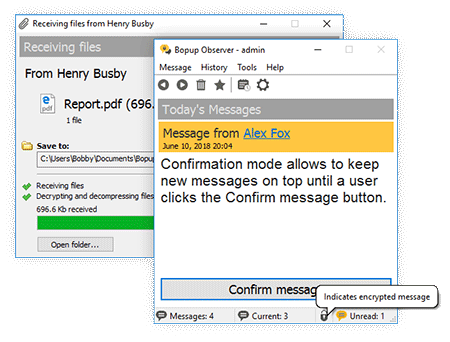
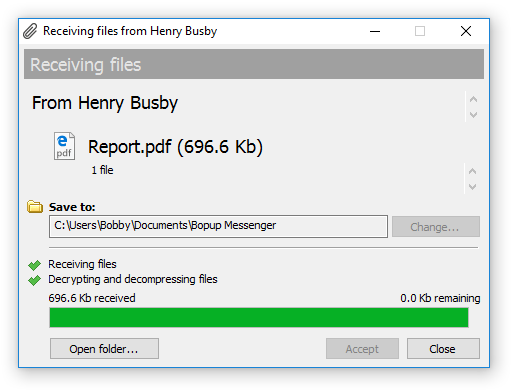
Receive files and documents that are assigned to you on the IM server. This feature offers an easy and secure distributing files and directories with a set of advanced flags.
Select your favorite messages with important information and they will be always in your message list until you delete them.
The complete support for the Terminal Server, Citrix environments and Windows XP Fast User Switching feature. The messenger can be used by multiple users connected to the same server via Terminal Client sessions or by several users who have logon sessions on the same computer.
Receive notifications and urgent messages from the IM server and stay updated on any events and information. These messages are automatically sent by the server on the scheduled time and at the specified intervals.
Activate the confirmation mode on the communication server that pops-up the program on message reception and keeps it on top of other windows until user clicks the Confirm Message button.
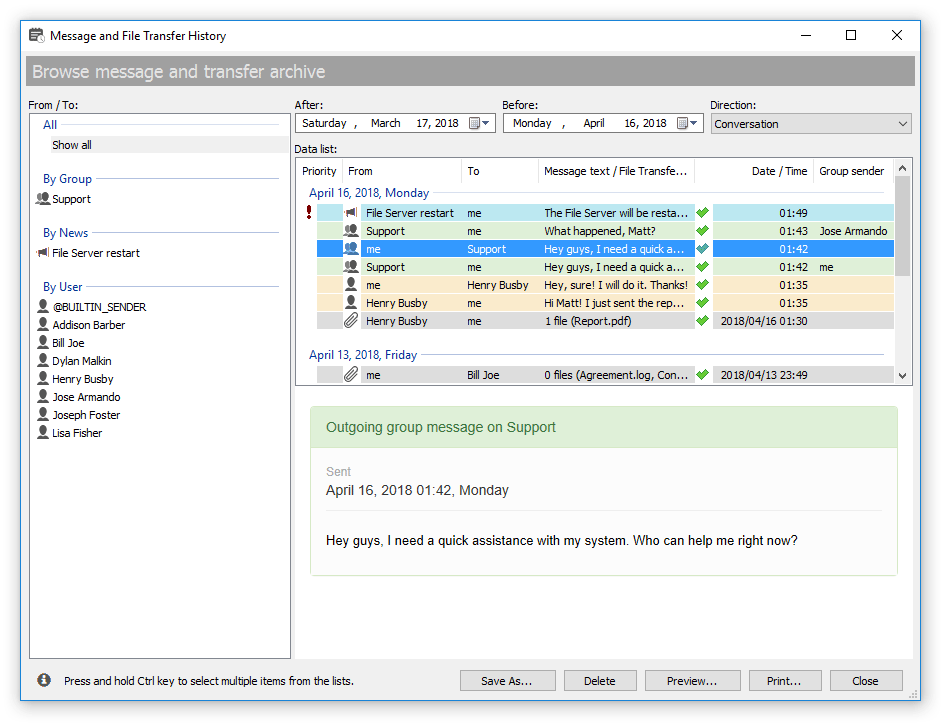
Browse, search and view the entire message and transfer archives on the IM server. Print information for any period, for any person.
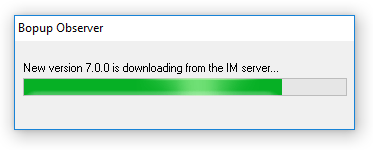
The messenger can be instantly updated from the central IM server. This feature allows you to keep client versions up-to-date and deploy new software updates and patches in a completely automated way without having to manually install it on all user computers.
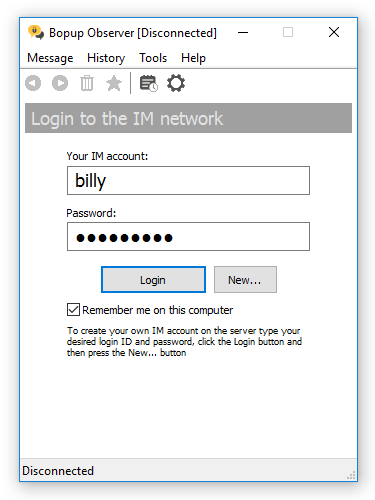
Bopup Observer is a portable instant messaging client. Copy the messenger to another folder on a hard drive, shared network location, USB flash drive or move the client-side software to another computer/workstation and get it working with no any setup and configuration.

Latest version is 6.2.3.9788
Released on
What's new in this version







 Facebook page
 Follow Us on Twitter
 YouTube channel
 Read Our News and Blog