English  |  Spanish  |  Polish  |  Russian  |  News & Media  |  Our Blog  |  Site Map 
Instant Messaging (IM) software for LAN/WAN/Enterprise networks. Secure IM server and messenger products for private corporate and business communications.
Home Solutions Products Downloads Pricing Online Help Support Contact Us
Home > Products > Bopup Messenger     


Snapshot
Current version
5.4.8.7536

Release date
January 26, 2010

What's new in this version
Pricing
$6.40 – $12.90 per license
Depends on a number of concurrent connections

Supported platforms
MS Windows 98/Me/NT 4.0/2000/XP/2003/Vista/7
System requirements

Download Now! (EXE, 1.8M)
Download Now! (MSI, 1.5M)

Spanish, French and Russian versions are available in Downloads


Server-side software

Secure instant messaging server for corporate and enterprise communications Bopup Communication Server


Datasheets & Whitepapers
Download product datasheets, technical and overview information on the IM architecture.

 Instant Messaging (IM) Architecture Overview Datasheet

 Step-by-Step Guide to Setup Instant Messaging (IM) Workspace Datasheet

 What is the Emphasis on Choosing an IM Software For Business Whitepaper


Have a Question?
If you have any questions or problems, or just want to know more about the software then you can quickly submit your reports and feedbacks online from our website.


Windows 7 Compatible

Secure Instant Messenger for corporate communications

Bopup Messenger —
Sends and receives both personal, group messages and files securely and safely


This is a client part of the and communication is organized
and managed via Bopup Communication Server

From $12.90 up to $6.40 per license
Licensing is based on a number of concurrent connections
Volume discounts are available


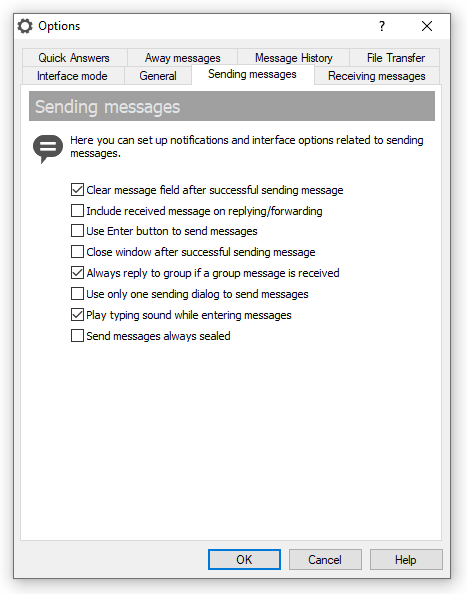
Bopup Messenger is a secure instant messenger designed to communicate over LAN and enterprise-size networks. This clear, easy to use and offers a set of corporate features and answers most of the business needs you may have.

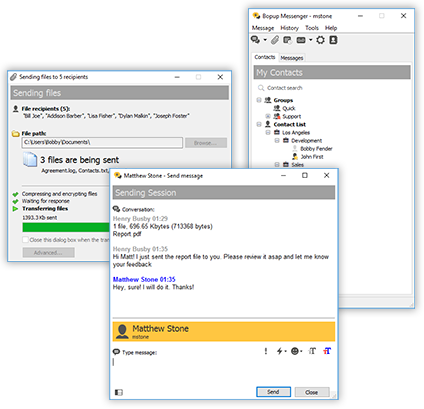
With this messenger, you can easily connect users from all other offices and locations to one IM workspace and exchange files, urgent and extended messages with links, font and color formatting and emoticons, and can receive assigned files and directories from the . Organize your personal contact list that is accessible to you from any workplace and see who is online and available to communicate among your contacts.

Messaging and File Transfer are encrypted with strong algorithms so that personal and group conversations are safe and secure even if you send messages and files via the Internet. You will never lose any information you exchange because offline data are stored and automatically delivered by the server when the recipient goes online.

No user experience and skills are needed to use the program. The smart and comfortable user interface with advanced usability options and popup notifications allows you to join the IM network in a few mouse clicks. The messenger completely supports the Terminal Server/Citrix environment and can be used simultaneously by multiple users on one computer. Bopup Messenger can automatically .

The offers complete and flexible management for controlling your IM infrastructure. The central server logs all user activity and archives all messages and transfers with the reporting, search and printing options. It allows you to manage messaging groups, users' contact information and permissions to send and view other users, . It is easy to import user accounts from your Active Directory (LDAP) and start an right now.

Several authentication modes are supported in the IM software: Simple (only matches Windows Login ID and IM account name on the server), Windows Authentication or private login ID (can be e-mail or any different name instead Windows Login ID) and password pair.


Secure LAN messenger for business

Bopup Messenger —
Secure communication tool with a set of business and enterprise-level features

Secure Communication All messages and file transfers are encoded with strong encryption algorithms. That is the first and primary way to make .
Messaging Groups The centralized management of user groups allows organizing a with a list of assigned groups and send/receive-only permissions available to each user.
User Presence Status See the current status of each user in your Contact List, i.e. Online, Away, Offline (Not available). Manage your own status.

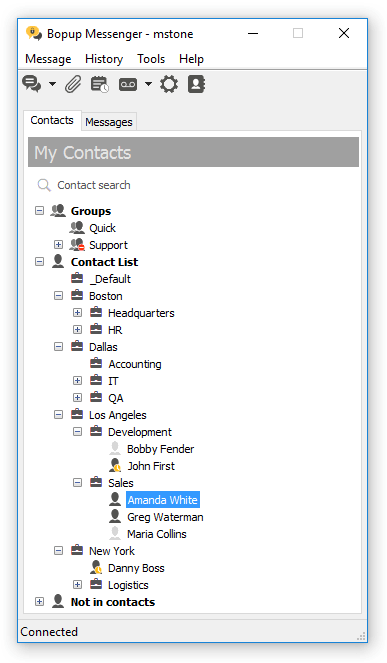
Contact List access Organize your personal Contact List and access it from any workplace and location.

Ease of Use The smart and handy user interface is intuitive and easy. It really is.
Offline Messaging and File Transfer Deliver important information to users even if they are currently unavailable and receive such messages and files. and automatically delivered to the recipient when he goes online.

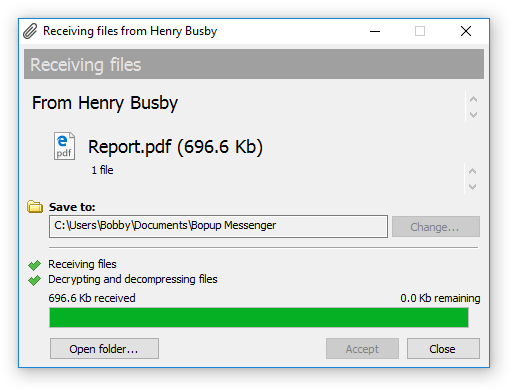
File Distribution Receive files and documents that are assigned to you on the IM server. This feature offers an with a set of advanced flags.
Favorite Messages and they will be always in your message list until you delete them.
Terminal Server support The complete support for the Terminal Server, Citrix environments and Windows XP Fast User Switching feature. The messenger can be used by multiple users connected to the same server via Terminal Client sessions or by several users who have logon sessions on the same computer.
Centralized Notification and stay updated on any events and information. These messages are automatically sent by the server on the scheduled time and at the specified intervals.

Message and Transfer Logging & Archiving . Print information for any period, for any person.

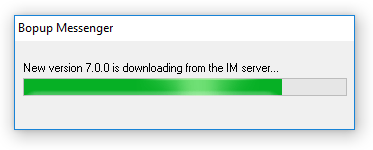
Instant Updates from the IM server . This feature allows you to keep client versions up-to-date and deploy new software updates and patches in a completely automated way without having to manually install it on all user computers.


Secure instant messenger for business intranets/extranets

Bopup Messenger —
Levels up instant messaging services within corporate and business Intranets/LANs

Offers strong encryption of personal and group conversations  |  Lets access employees contacts from any workplace and computer  |  Keeps its version up-to-date by installing new versions and updates from central IM server


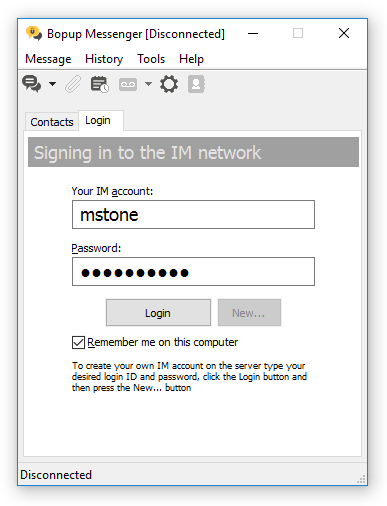
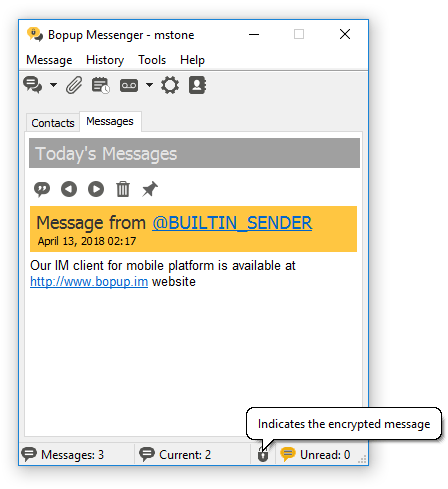
IM Client Screenshots

Receiving urgent and messages with high priority Contact List (Buddy list) Receiving messages sent on groups
Receiving urgent messages Accessing Contact List Receving group messages
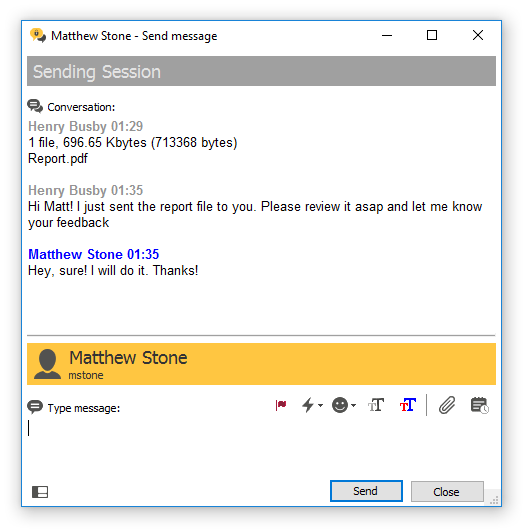
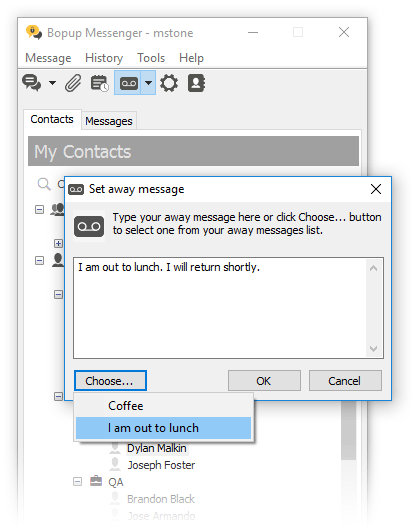
Browse message history archive Sending message dialog box Using Away messages
Browsing Message History archive Sending message dialog box Changing own presence status by using away messages


Our , so you have to configure both server and client software on your LAN/WAN environment.

Browse product documentation (including software screenshots) »


Step-by-Step Guide to Setup Instant Messaging (IM)

This document contains step-by-step manual on how to install Bopup Communication Server version 3.x and get IM clients connected. Neither experience nor special skills are needed for installing the server. Just go through the steps of the Setup Wizard and get your IM system running in a few minutes.

Step-by-Step Guide to Setup Instant Messaging »


Available Event Codes

The following document decribes available Event Codes that appear in Bopup Messenger and Bopup Observer software and provides extended information on each event and resolution.

Available Event Codes displayed in the IM clients »


© 2000–2010 B Labs. All rights reserved.   Terms of Use  |  Privacy Statement  |  Sign Up to Newsletter  |  Send Feedback  |  Contact Us  |